The best Badger Maps alternative depends on what you need beyond routing. Leadbeam builds AI into the app: it scores 30M+ businesses before they reach your CRM, briefs reps before each visit and turns voice notes into CRM records, with offline capture. Map My Customers is the closest like-for-like mapping swap, SPOTIO suits door-to-door teams, and Salesforce Maps or Geopointe fit Salesforce-only shops.
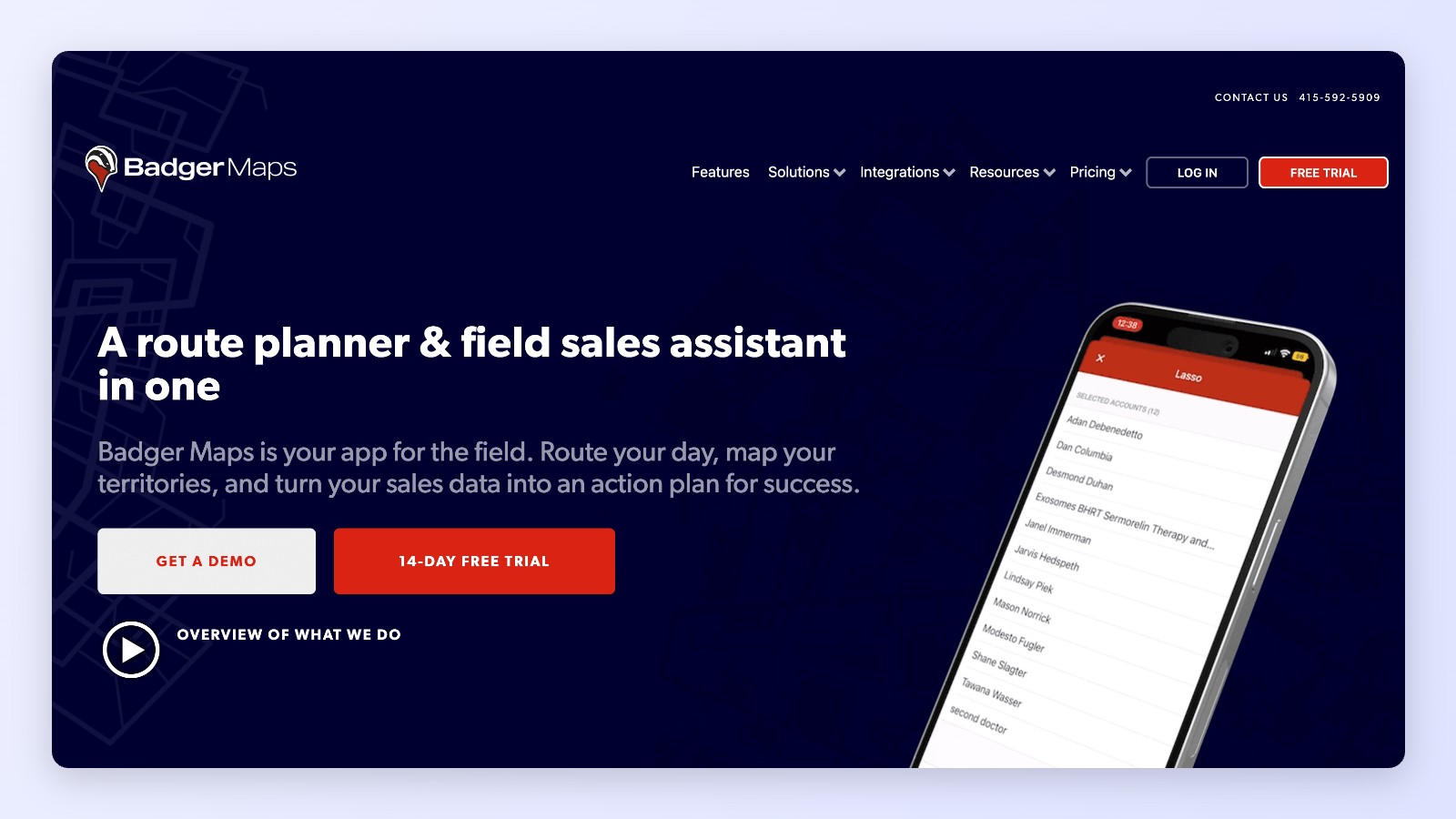
Badger Maps is one of the most popular route planners for outside sales reps. Reps pick the accounts, Badger orders the stops, and the app hands off to Google or Apple Maps. For teams running the same recurring routes every week, it does the job well.
The gap shows up when teams want AI to do more than order stops. Badger's AI sits outside the app. Briefs, weekly planning and follow-up drafts happen in a separate AI assistant that the rep prompts, working on accounts and activity already in Badger. Leads can be filtered but are not scored, voice-to-CRM field updates are listed as coming soon, and the app needs a connection to work.
This guide compares the eight best Badger Maps alternatives for 2026.
Quick picks
Best overall for B2B teams that want AI in the app: Leadbeam
Closest like-for-like mapping swap: Map My Customers
Best for door-to-door canvassing: SPOTIO or SalesRabbit
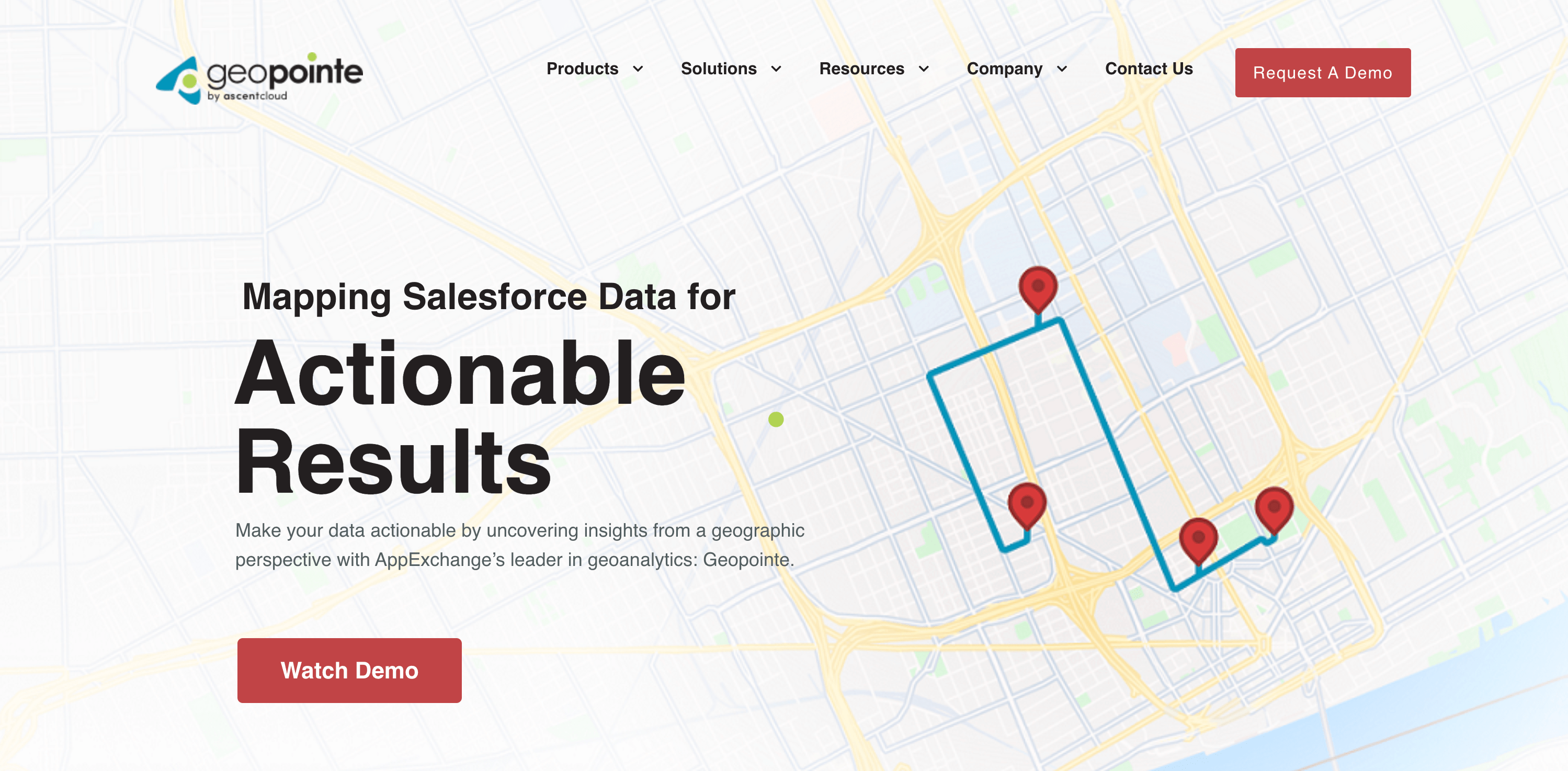
Best for Salesforce-only teams: Salesforce Maps or Geopointe
Best for gamified teams: Outfield
Best for territory planning on a desktop: Maptive
Badger Maps alternatives at a glance
Tool
Best for
Key capabilities
G2 rating
Pricing
Leadbeam AI-NATIVE
B2B field teams that want AI built into the app, not a separate assistant
Atlas scores 30M+ businesses before they reach your CRM. Beamly briefs reps before each visit, Pulse turns voice, photos and text into CRM records, Compass routes by revenue priority and Studio flags stalled deals. Offline capture.
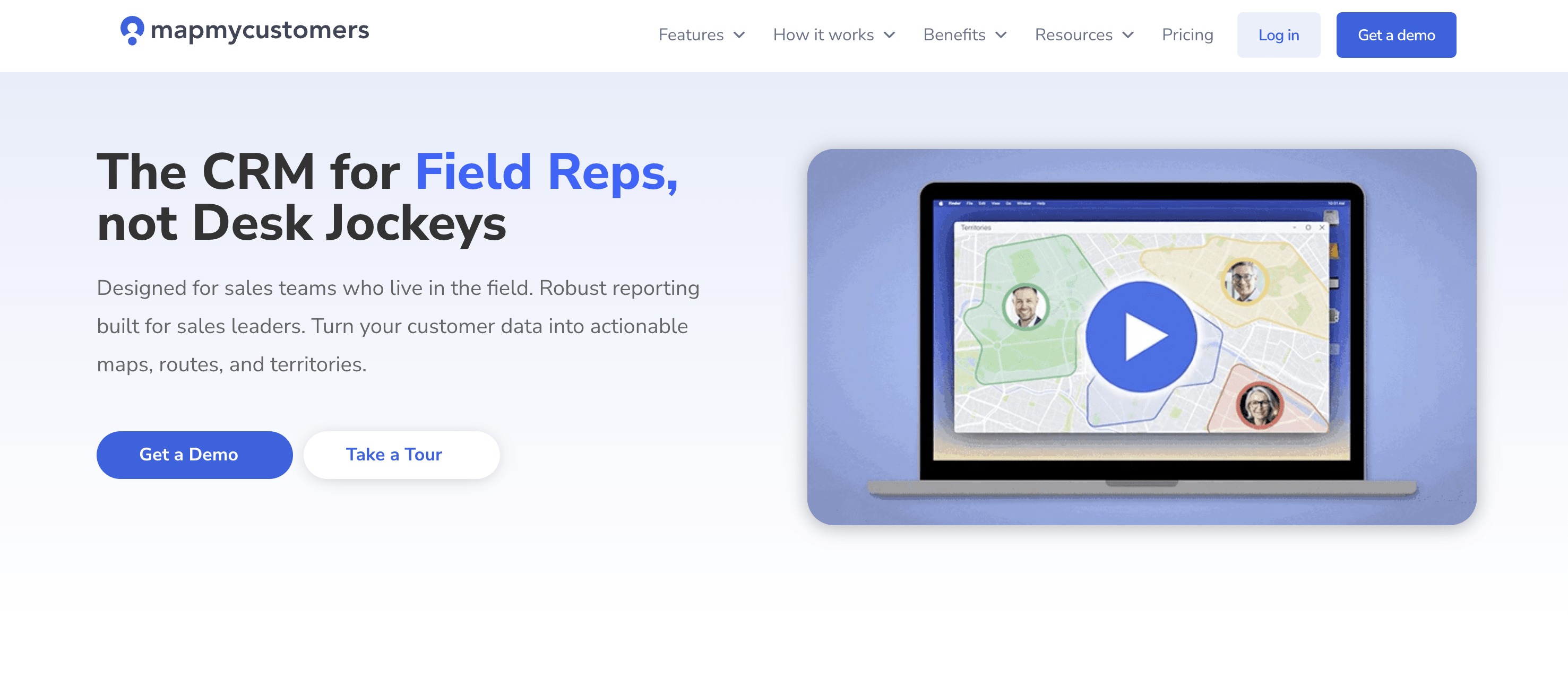
Teams that want a like-for-like mapping swap with AI on higher tiers
Account mapping on web and mobile, route planning on every plan, activity logging, CRM integrations. AI Email Assistant on every plan; AI Field Agent on Enterprise and above. SOC 2 Type II.
Industry Leader $99/user/mo (5-seat min), Enterprise $139 (10), Field Intelligence $199 (35), billed annually
SPOTIO AI ADD-ONS
High-volume door-to-door and B2C canvassing teams
Territory cutting and assignment, lead tracking, leaderboards, offline days, calling and texting. DASH AI and Next Best Action as add-ons. SOC 2 Type II.
Home services teams that need lead control and contracts in the field
Lead capture, area and territory management, digital contracts, leaderboards, route planning. DataGrid AI scores leads and territories as a paid add-on.
G2 ratings checked November 16, 2026 (Salesforce Maps figure as reported mid-2026). Prices are vendor list prices from each vendor's pricing page (Geopointe from its Salesforce AppExchange listing). For reference, Badger Maps is rated 4.7/5 from 366 G2 reviews and costs $58 or $95 per user per month billed annually.
Why teams look for Badger Maps alternatives
Badger is a route planner first. That is a strength when the job is getting between known accounts, and a limit when teams want software that tells reps where to go and what to say. Four gaps come up most often, per our Leadbeam vs Badger Maps comparison (verified against Badger's own pages on November 10, 2026):
The AI runs outside the app. Visit briefs, weekly planning and follow-up drafts are produced by a separate Badger AI assistant the rep prompts, reading accounts and activity in Badger.
Leads are filtered, not scored.Badger's lead search covers 300M businesses filtered by type, industry or revenue, shown 20 to 60 at a time, but it does not score them for fit.
Add-ons for management.Leaderboards start at $12, analytics dashboards and the Insights add-on are $50 a user, and Badger Align territory balancing starts at $20 a territory.
Badger still wins on a few things: IRS-compliant mileage reports on every plan, territory balancing through Badger Align, and field updates that trigger CRM marketing workflows. If those matter most, Badger may still be the right fit.
What to look for in a Badger Maps alternative
AI inside the field app: Briefs, prioritization and capture that happen where the rep works, without a separate assistant
Prospect scoring: Businesses ranked for fit, not just filtered by category (see our guide to lead scoring for field sales)
Voice-to-CRM capture: A voice note or photo that becomes structured CRM records
Offline capture: Reps in basements, rural areas and hospitals still need to log visits
Manager visibility included: Coaching and dashboards without per-user add-ons
Security: SOC 2 Type II or ISO 27001 held by the vendor itself, not only its hosting provider
8 Best Badger Maps Alternatives for 2026
1. Leadbeam
Best for: B2B field teams that want AI built into the app
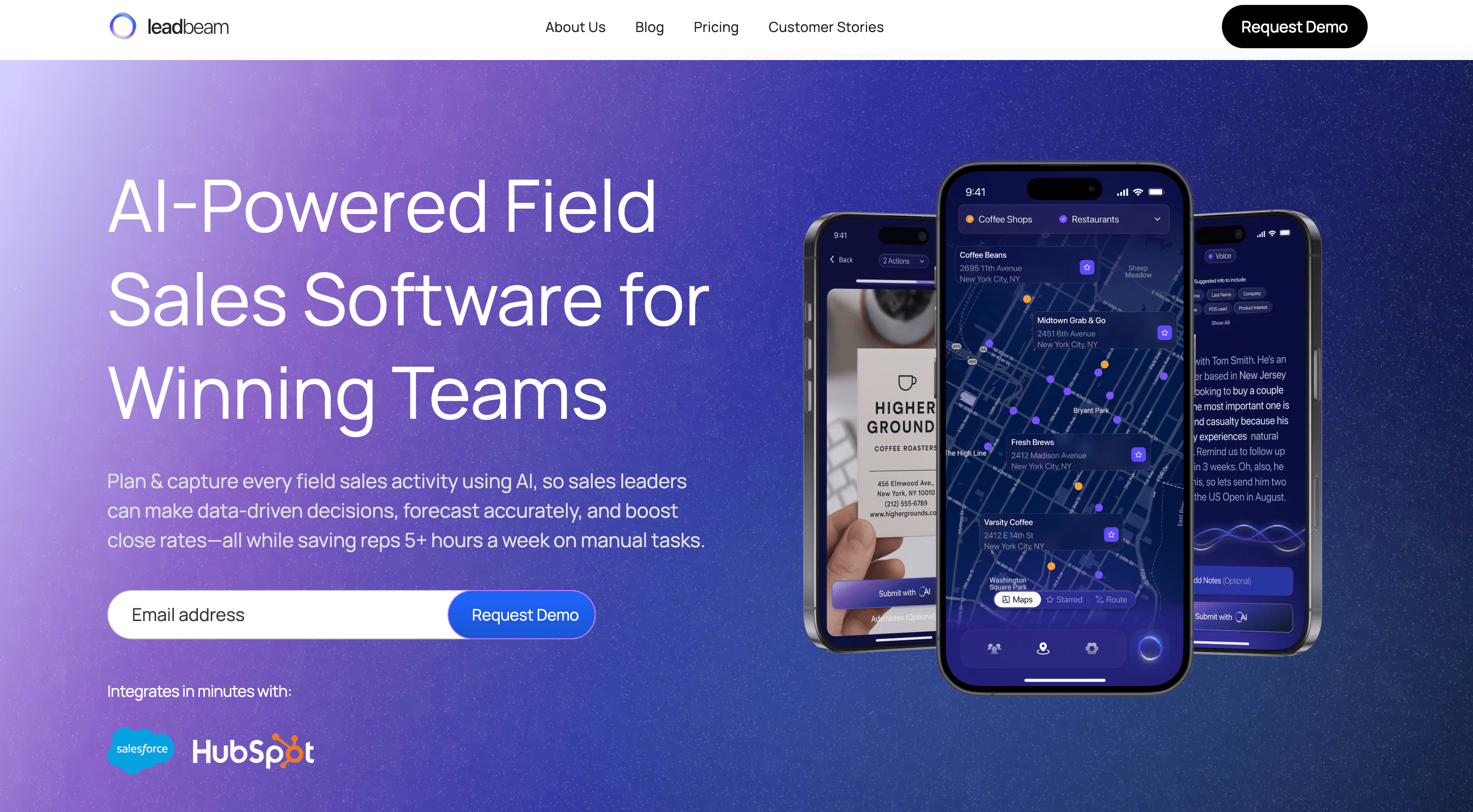
Leadbeam is an AI-native field sales platform. Where Badger's AI runs in a separate assistant on accounts you already have, Leadbeam does it natively: it finds the businesses you've never logged, briefs the rep before every door, turns the visit into clean CRM records, and tells the manager what to fix.
Key features:
Atlas: 30M+ businesses enriched with owner, tech stack, hours and local competitors, and scored on intent, tech fit and your closed-deal patterns
Beamly: Visit prep and battle cards built from CRM history, company knowledge and live web research, inside the app
Pulse: Voice, photos and text become connected accounts, contacts and tasks, mapped to your CRM's custom objects and required fields
Compass: Routes sequenced by revenue priority, fixed meetings, business hours and live traffic
Studio: Flags missed follow-ups, stalled deals and stages that contradict the field conversation
Pros:
AI is part of the app; no separate assistant to connect or prompt
Offline capture that syncs on reconnect
Manager coaching and dashboards included, not sold as add-ons
SPOTIO is built for teams that knock doors at volume. Compared with Badger, it adds deep territory administration, offline days and built-in calling and texting.
Key features:
Territory cutting and assignment with KML import
Lead status tracking, leaderboards and gamification
You want AI to find and prioritize accounts, not just order stops: Leadbeam
You want the same mapping-first workflow with a different vendor: Map My Customers
You sell door to door: SPOTIO or SalesRabbit
You run everything in Salesforce: Salesforce Maps or Geopointe
You mostly plan territories at a desk: Maptive
How to switch from Badger Maps
Your accounts already live in your CRM, so switching is mostly about the field workflow. Run one team on the new tool while the rest stay on Badger, compare adoption and logged activity for a few weeks, and time the full switch to your Badger renewal. Export any mileage history you need for reimbursement before you cancel.
Conclusion
Badger Maps remains a reliable route planner for recurring routes. But if you want AI that lives inside the app, scores accounts you've never logged, captures visits by voice and works offline, it's worth comparing. Book a demo to see Leadbeam on your own territory, or read the full Leadbeam vs Badger Maps comparison.
Frequently Asked Questions
What is the best Badger Maps alternative?
For B2B teams that want AI inside the app, Leadbeam: it scores 30M+ businesses before they reach your CRM, briefs reps before visits, turns voice notes into CRM records and works offline. For a like-for-like mapping swap, Map My Customers. For door-to-door teams, SPOTIO or SalesRabbit.
Does Badger Maps have AI?
Yes, but it runs outside the app. Visit briefs, weekly planning and follow-up drafts are produced by a separate AI assistant the rep prompts, working on accounts and activity in Badger. Voice-to-CRM field updates are listed as coming soon.
Does Badger Maps work offline?
No. The Badger app needs a connection to work. Alternatives with offline capture include Leadbeam, which syncs on reconnect, and SPOTIO, which offers up to 24 hours offline.
How much does Badger Maps cost?
Badger publishes per-user pricing: $58 or $95 a month billed annually ($69 or $109 billed monthly). Add-ons start at $12, including leaderboards; analytics dashboards and Insights are $50 a user, and Badger Align starts at $20 a territory.
Yes. Leadbeam connects natively to Salesforce, HubSpot, Zoho, Pipedrive, Dynamics 365 and SAP, including custom objects and required fields, so your CRM stays the system of record.
Soham has over a decade of experience in building startups and leading growth, strategy, and analytics, now driving design and sales innovation as CEO of Leadbeam.
10x your field sales team’s performance
Boost productivity, capture real-time insights, and close more deals with AI-powered tools built for field sales teams.