
Retail Store Audit: The 12-Minute Checklist That Pays
A retail store audit should take about 12 minutes and change what the shelf looks like. Here is the walk-order checklist and the method behind it.


Salesforce Maps is a capable tool for teams deeply embedded in the Salesforce ecosystem. But at $75/user/month as an add-on to an already expensive CRM, many field sales teams are exploring Salesforce Maps alternatives that deliver better value, easier adoption, or more advanced capabilities.
Whether you're frustrated with the complexity, looking for standalone field sales mapping software, or simply want to compare Salesforce Maps competitors before committing, this guide breaks down the best Salesforce Maps alternatives for 2026. We'll cover what each tool does well, where it falls short, and which teams it fits best.
Salesforce will retire the standalone Salesforce Maps mobile app on August 31, 2026, per the official Salesforce Help retirement notice published in May 2026. The scope matters. Desktop Salesforce Maps continues unchanged. What retires is the separate mobile app your reps download from the App Store.
Here's what happens on the retirement date. The app comes off the Apple App Store and Google Play. Installed copies may keep running, but Salesforce stops shipping security updates, bug fixes, and support. You can't run a field team on an app that no longer gets patched.
Salesforce's official migration path is simple: move reps into the main Salesforce mobile app, where a "Maps Mobile" navigation item picks up field access. Salesforce documents the setting in the same notice. For plenty of teams that's the right call. If your reps already work inside the Salesforce mobile app, your routes are stable, and your admin can schedule the navigation change, the migration is a light lift.
The harder question is whether your reps used the Maps mobile app at all. Teams evaluating this migration often surface the real problem underneath it: reps build routes on desktop in the morning and log visits at 8 p.m. from the driveway. Moving that workflow into a different mobile shell leaves it intact. If the retirement notice has you re-evaluating the whole field stack, that's what the rest of this guide covers. Platforms like Leadbeam treat the phone as the primary surface, with routing, account context, and voice capture in one app and the CRM updated from the curb.
Either way, put a migration date on the calendar before August 31. Waiting until the app disappears from the App Store is not a plan.
Before diving into alternatives, it's worth understanding why teams move away from Salesforce Maps:
Cost complexity. Salesforce Maps starts at $75/user/month as an add-on to Sales Cloud. It covers visualization, routing, and territory management—but many teams look for automated CRM updates and follow-ups, and a mobile-first experience. At similar or lower price points, some alternatives deliver these in a single platform.
Steep learning curve. Salesforce Maps inherits the complexity of its parent platform. Teams without dedicated Salesforce admins often struggle to configure territories, optimize routes, and maintain data hygiene.
Desktop-heavy experience. While mobile functionality exists, many users report that Salesforce Maps works best on desktop—not ideal for reps who spend most of their day in the field.
Limited AI capabilities. Compared to newer sales route planning tools, Salesforce Maps lacks AI-powered features like automated lead discovery, voice-to-CRM capture, and predictive visit recommendations.
When evaluating territory mapping software alternatives, prioritize these capabilities:
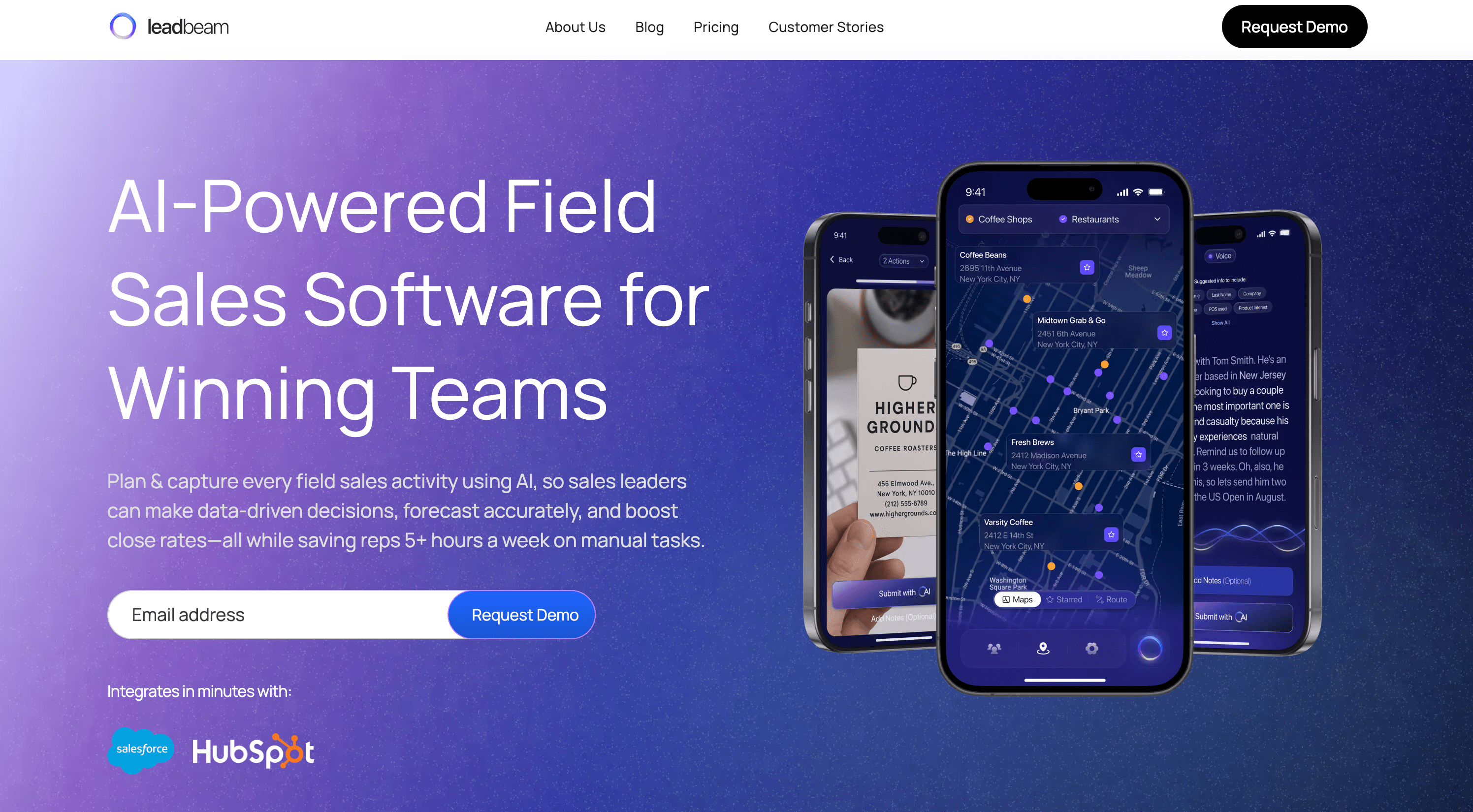
Best for: Field sales teams that want everything Salesforce Maps offers, and more
Leadbeam is an end-to-end AI-powered field sales platform. It delivers everything you'd expect from a Salesforce Maps alternative—routing, territory mapping, CRM integration—then adds the intelligence to help reps know which accounts to prioritize, not just how to get there.
Key features:
Pros:
Cons:
Starting Price: $49/user/month (billed annually) (Note: No user minimums. Full Unlimited Route Optimization features are available in the Pro plan for $99/user/month (billed annually)).
G2 Rating: 4.9/5

Best for: Reps who prioritize simple, reliable route planning
Badger Maps has been a go-to Salesforce Maps alternative for years. It does one thing well: helping reps plan efficient routes and visualize their territories.
Key features:
Pros:
Cons:
Starting Price: $58/user/month (billed annually)
G2 Rating: 4.7/5

Best for: High-volume door-to-door and B2C field sales
SPOTIO is built for teams that knock doors—solar, roofing, pest control, home security. Its territory mapping software focuses on canvassing efficiency and lead management for high-volume prospecting.
Key features:
Pros:
Cons:
Starting Price: Contact Sales
G2 Rating: 4.5/5
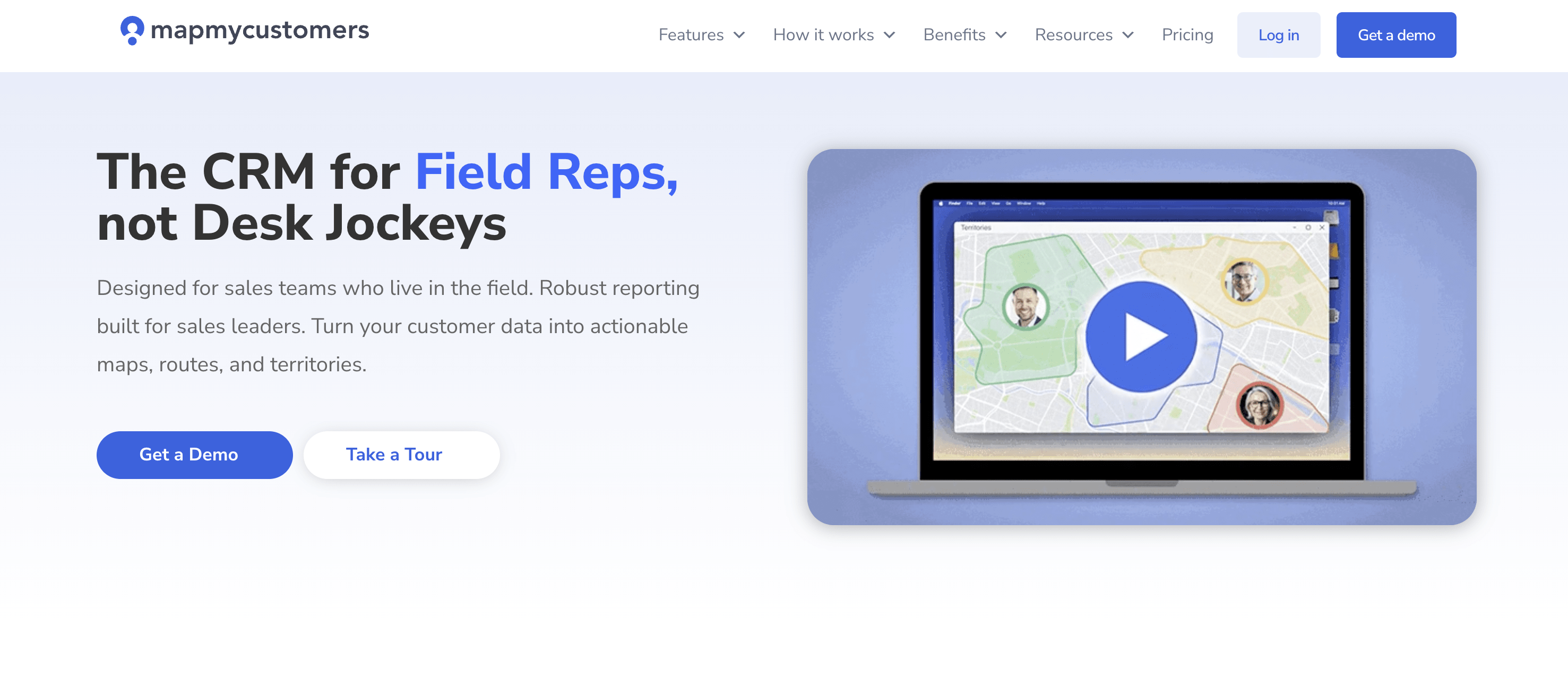
Best for: Small teams wanting simple CRM visualization
Map My Customers bridges the gap between spreadsheets and enterprise field sales platforms. It's lightweight territory mapping software that gets teams started quickly.
Key features:
Pros:
Cons:
Starting Price: $79/user/month (billed annually)
G2 Rating: 4.5/5
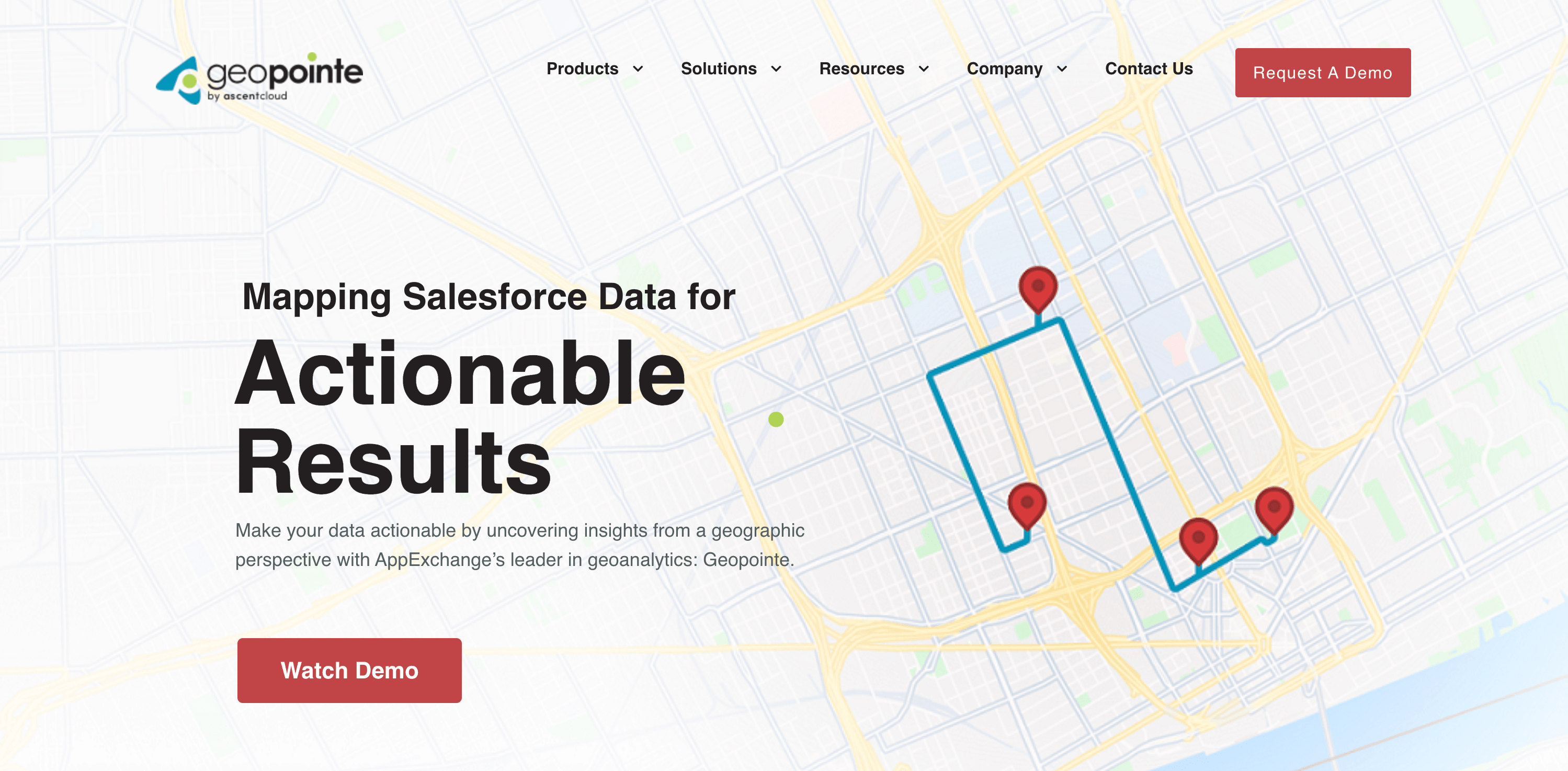
Best for: Salesforce power users wanting native mapping
Geopointe is a Salesforce-native mapping solution that competes directly with Salesforce Maps at a similar price point. For teams committed to Salesforce, it offers familiar functionality with some advantages.
Key features:
Pros:
Cons:
Starting Price: $75/user/month (Standard), $125/user/month (Advanced with Route Planner)
G2 Rating: 4.2/5

Best for: Field teams in competitive home services industries
SalesRabbit combines lead management, territory tracking, and team performance tools. It's popular in industries like solar, HVAC, and home improvement where speed and territory control matter.
Key features:
Pros:
Cons:
Starting Price: $59/user/month (billed annually)
G2 Rating: 4.5/5

Best for: Retail execution and CPG field teams
Repsly focuses on retail field teams—merchandisers, brand reps, and territory managers who visit stores rather than sell to new accounts. Its strength is ensuring consistent in-store execution.
Key features:
Pros:
Cons:
Starting Price: Contact Sales
G2 Rating: 4.3/5

Best for: Territory planning and data visualization
Maptive is less a field sales app and more a territory mapping software for strategic planning. It excels at visualizing data, designing territories, and analyzing market potential.
Key features:
Pros:
Cons:
Starting Price: $1,250/year (Pro, 1 user) or $2,500/year (Team, 5 users)
G2 Rating: 4.7/5

Best for: Field teams that want gamification and route planning
Outfield combines route optimization with gamified performance tracking to keep reps motivated and efficient. It's popular with retail, pharma, and consumer goods teams who need territory management alongside competitive leaderboards.
Key features:
Pros:
Cons:
Starting Price: Contact Sales
G2 Rating: 4.2/5
Selecting among Salesforce Maps alternatives depends on your priorities: routing efficiency, territory management, AI capabilities, CRM integration, and budget.
For most B2B field sales teams, the key distinction is this:
Traditional tools optimize routes between stops you’ve already chosen.
AI-native platforms start earlier — helping reps discover and prioritize the right accounts before optimizing the route to reach them.
If your team needs prospecting, routing, and automated CRM updates in one platform, Leadbeam is built for that.
There's no true free equivalent with comparable functionality. Google Maps with a CRM mobile app provides basic mapping, but lacks route optimization, territory management, and activity tracking. Paid field sales tools typically start around $49-75/user/month and deliver the features teams actually need.
Yes. Most Salesforce Maps competitors—including Leadbeam, Badger Maps, SPOTIO, and Geopointe—integrate directly with Salesforce. You don't need to abandon your CRM to use a different mapping and routing solution.
Cost and complexity. At $75/user/month for the add-on alone, Salesforce Maps delivers basic mapping and routing—while alternatives at similar or lower price points offer additional capabilities like AI-powered prospecting, voice-to-CRM capture, and better mobile experiences. The steep learning curve and desktop-heavy workflow add friction for field teams.
Traditional tools optimize routes between appointments you've already scheduled. AI-powered platforms like Leadbeam go further—they analyze your CRM, market data, and rep behavior to recommend which accounts to visit, then optimize how to reach them. It's the difference between efficiency and intelligence.
Since your data stays in Salesforce CRM, there's no migration needed—alternatives simply connect to your existing CRM. Most teams are up and running within days. The bigger variable is change management—helping reps adopt new workflows. Modern, mobile-first tools typically see faster adoption than legacy platforms.
No. Salesforce is retiring the standalone Salesforce Maps mobile app on August 31, 2026, per the official Salesforce Help notice. Desktop Salesforce Maps continues, and mobile access moves into the main Salesforce mobile app through a "Maps Mobile" navigation item. If your team only uses Maps on desktop, nothing changes. If your reps rely on the standalone app, plan the move before the deadline.
Per the Salesforce retirement notice, the app comes off the Apple App Store and Google Play, and Salesforce stops providing security updates, bug fixes, and support. Installed copies may keep running, but Salesforce doesn't guarantee functionality. Treat August 31 as a hard deadline and schedule the migration ahead of it.
Not necessarily. Salesforce's migration path keeps everything inside the Salesforce mobile app, and for teams whose reps already work there, it's the lowest-effort move. The retirement is still a natural decision point. If reps avoided the old Maps app, a different mobile shell won't change adoption, and it's worth comparing purpose-built field platforms while you're already planning a switch.
Salesforce Maps works for enterprise teams fully committed to the Salesforce ecosystem. But for most field sales organizations, the best Salesforce Maps alternatives offer better value, faster adoption, and increasingly, smarter AI capabilities.
If you're evaluating options, start by clarifying what matters most: pure routing efficiency, territory visualization, AI-powered prospecting, or something else. The right field sales mapping software depends less on features and more on fit with how your team actually works.
For teams that want prospecting, routing, and data capture in one platform, request a demo to explore how Leadbeam combines a 20M+ lead database with route optimization and automated CRM updates—so reps know where to go, how to get there, and never lose a detail, while leaders get real-time field insights.


Leadbeam Blog
Discover tips, strategies, and success stories to empower your field sales team and drive results.