Salesforce Duplicate Rules: Why Your Phone Let You Save the Duplicate
Salesforce duplicate rules explained for field reps: how matching and duplicate rules work, Block vs Allow, what you see on save, and how to stop repeats.

A sales call report records who you met, what you discussed, the objections you heard, the next step with a date, and who owns the follow-up. Fill it in right after the visit, before the next stop overwrites the details. If typing is the bottleneck, speak the same fields into a voice note and file it later.
Your best visit this week left no trace in the CRM.
The buyer named a competitor, raised a pricing worry and agreed to a second meeting. You meant to write it up. Then came four more stops, a late lunch and a drive home, and by evening the visit had shrunk to one line: "Good meeting, follow up."
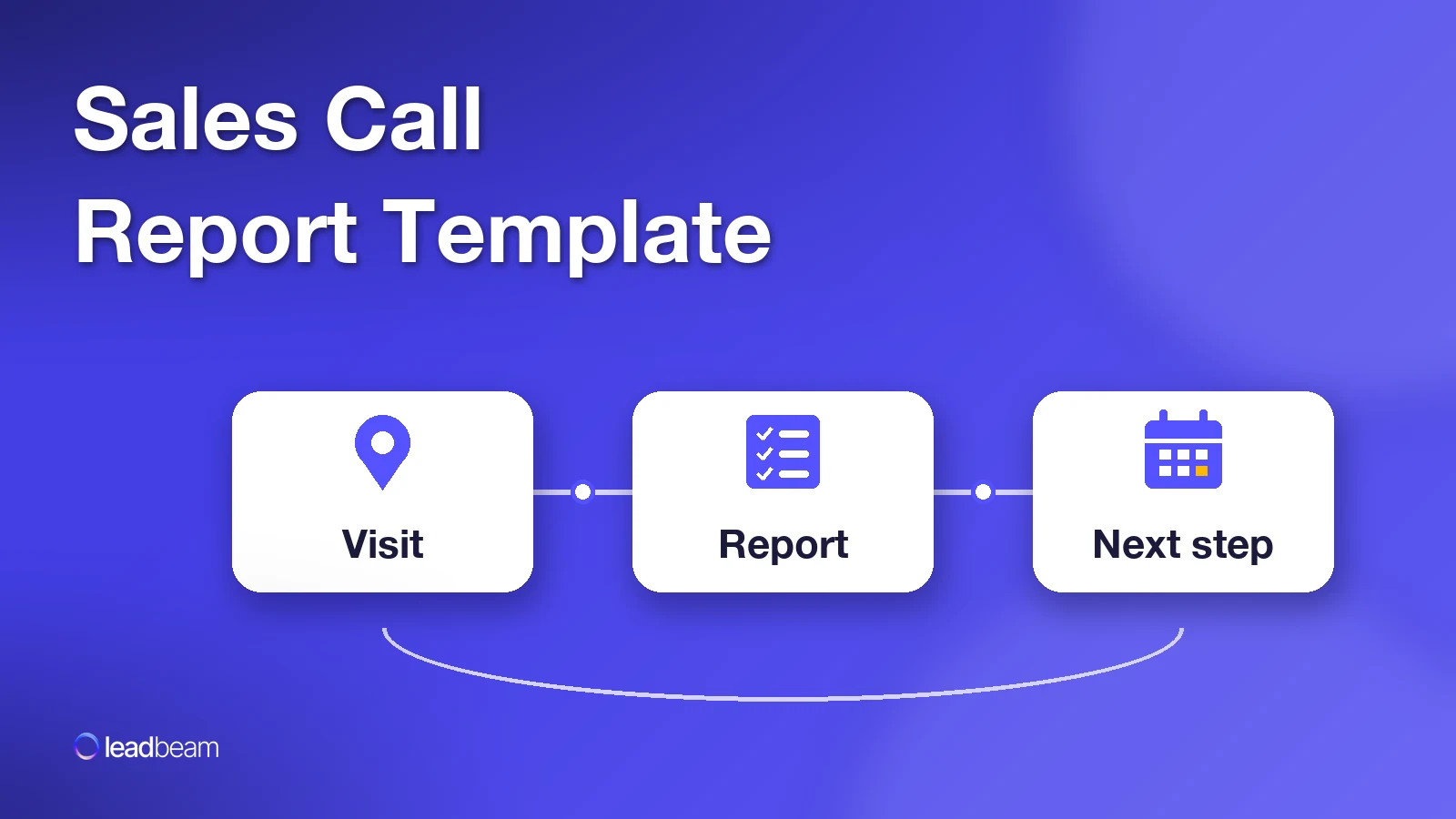
A sales call report template fixes that by deciding in advance what gets written down. Six fields, filled in before you start the car, or before you dial the next number if you sell from a desk. Below: the template, a filled-in example, a three-line fallback for long days, and one logging habit most teams get wrong. It has to do with where the next step lives.
A sales visit report is the written record of one customer visit, or of one call or video meeting if that's how you sell. It sounds like admin, but it works more like a handoff.
Three people read it, and each wants something different:
That's why "Good meeting, follow up" fails all three readers: it proves you showed up and leaves everyone guessing about what happens next.
The report also closes a loop you opened before the visit. If you planned the stop with a pre-call planning template, you walked in with an objective. The call report is where you write down whether you hit it.
Copy this into your CRM notes, a phone template or a shared doc. Every field earns its place, and the third column shows the entry that looks fine but tells nobody anything.
| Field | What to record | The entry that tells nobody anything |
|---|---|---|
| 1. Who | Names and roles of everyone you met, plus anyone mentioned who wasn't there | "Met with the owner" |
| 2. Objective vs outcome | What you planned to get from this visit, and whether you got it | "Went well" |
| 3. What was discussed | The two or three topics that mattered, in the buyer's terms | "Talked about our product" |
| 4. Objections | Concerns raised, as close to their words as you can get | "Some pushback on price" |
| 5. Next step and date | One specific action with a calendar date, agreed by the buyer | "Follow up soon" |
| 6. Follow-up owner | Who does what before that date: you, a colleague or the customer | (blank) |
Fields 5 and 6 carry the most weight. Without a dated next step the report is a diary entry, and without an owner the follow-up becomes a task everyone assumes someone else has, so the customer hears nothing.
Two rules make the template work in the field:
Here's the template after a visit to an independent pharmacy. The rep's plan going in was to get the owner to agree to a product trial.
| Field | Entry |
|---|---|
| 1. Who | Owner (decides) and the front-store manager (handles ordering). Owner mentioned their accountant reviews any new supplier contract. |
| 2. Objective vs outcome | Objective: agree to a trial. Outcome: agreed in principle, pending a price check on the starter order. |
| 3. What was discussed | Current supplier's late deliveries, shelf space near the register, the owner's plan to add a second location next spring. |
| 4. Objections | Starter order is bigger than they'd normally take on a new line. Also wants to know if returns are accepted on unsold stock. |
| 5. Next step and date | Send a smaller starter order quote and the returns policy by Wednesday. Owner agreed to decide on a short call that Friday. |
| 6. Follow-up owner | Rep sends quote and policy. Front-store manager confirms shelf space before Friday. Owner loops in the accountant if they want to proceed. |
Notice what this gives the next reader. The owner isn't the only decision-maker, the price issue is about order size rather than unit price, and there's a second location coming. None of that would survive "Good meeting, follow up."
The fields travel across industries. For a medical device rep, the objective might be an in-service date, with a clinical specialist as the follow-up owner. Distribution reps often log a shelf reset with the store manager as the next step, and on a POS route it's usually a demo booked on the restaurant's slow night. Same six boxes, different contents.
Some days you won't get six fields in. Back-to-back stops, a buyer who ran late, a customer issue that ate your lunch.
For those days, use the three-line minimum:
That third line is the detail that only existed in the room: the competitor they named, the reason they hesitated, the person who walked in halfway through.
Here's what it looks like after a rushed visit to a hardware store:
Next step: send freight pricing for the spring order by Tuesday. Owner: me. Detail: the manager mentioned their current supplier missed two deliveries last month and they're "keeping score."
Thirty words, typed before the next meeting. Fill in the rest of the template that evening. The three lines keep the follow-up alive in the meantime, and they hold the one detail that would have been gone by dinner.
Log the report before the next stop or the next call, rather than saving it for lunch or the end of the day.
The reason is practical. Every visit after this one competes for the same memory, and the details that matter most (an objection's exact wording, a name mentioned in passing) are the first to blur into the next conversation. The parking lot, or the minute before your next call, is the last quiet moment where only one conversation is in your head.
Now the habit most teams get wrong: where the next step lives. The report belongs on the account record in your CRM, but a next step typed into the report's comments never reminds anyone. It needs its own record.
In Salesforce, that means two records. Log a Call creates a completed activity for the visit. A New Task covers work scheduled in the future, with a due date and an open status. And in Lightning Experience, Log a Call's follow-up section doesn't appear, so the task won't get created unless you create it. Other CRMs use different names, same split: one record for what happened, one for what happens next.
One more check before you save: make sure you're logging against the right account. Logging to a duplicate record hides your report from everyone working the original, which is why it's worth searching before you create a record.
Typing six fields on a phone between meetings is where most call reports die. Speaking them needs no keyboard, and you can do it on the walk out.
The trick is to speak the template in order, saying each field name out loud as you go:
Example voice note, restaurant POS visit. Who: general manager, owner joins by phone. Objective: book a demo. Outcome: demo booked for next Tuesday, before dinner service. Objection: worried about staff retraining during the busy season. Next step: demo Tuesday at 3. Owner: me for the demo, GM to bring the head server.
That structure is what turns a voice memo into a report someone else can use. Without it, you've recorded a story your manager has to listen to in full.
The last step is getting the note into the CRM as fields rather than an audio file nobody opens. That's what voice-to-CRM tools do: they turn a spoken update into structured notes and tasks on the right record. Platforms like Leadbeam do this for field teams, so the report and the next-step task are already on the account before the rep reaches the next stop, and the follow-up date shows up on someone's list that afternoon.
If you manage a sales team, grade reports on two fields and ignore length.
Next step with a date. Count how many of last week's reports had one. It's one of the simplest leading indicators you can track alongside your other field sales KPIs, because a visit with no dated next step gives you nothing to forecast.
Objections in the buyer's words. Read these across the whole team once a month. Say three reps in three territories each log some version of your minimum order is too big for a new line. Each rep thinks they met one tough buyer, while the team is looking at a pricing or packaging question for whoever owns the starter offer. Only the reports, read side by side, show that pattern.
Then make the report easy to file. When reps skip it, logging usually fights their day. That's the pattern behind most CRM adoption problems, and it's why the template above has six fields instead of sixteen. Call reports are also one of the inputs a field sales operating system runs on.
A sales call report template only works if it's short enough to finish in the parking lot and specific enough to be useful a month later. Six fields do both. Three lines cover the days that run long.
Here's a test for this week. Open your last five visit notes and count how many have a next step with a date and a named owner. If it's fewer than five, you know which two fields to fill in first.
Who you met, your objective and the outcome, what was discussed, objections in the buyer's words, the next step with a date, and who owns the follow-up.
Most teams use the terms interchangeably. A visit report usually describes an in-person meeting, while a call report can cover a phone or video call too. The template works for both.
Right after the visit, before you drive to the next stop. Details from one visit blur quickly once the next conversation starts.
Six fields for most visits, three lines (next step, owner, one detail you'd forget) on busy days.
Yes. Say the field names out loud as you go so the note has structure, then get it into your CRM as notes and tasks.
Use Log a Call to record the visit as a completed activity, then create a New Task with a due date for the next step.


Leadbeam Blog
Discover tips, strategies, and success stories to empower your field sales team and drive results.