
Retail Store Audit: The 12-Minute Checklist That Pays
A retail store audit should take about 12 minutes and change what the shelf looks like. Here is the walk-order checklist and the method behind it.


It’s 4:30 PM. You’ve spent more time in traffic than in meetings, your CRM is three updates behind, and you have a nagging feeling you forgot a key detail from your first appointment. You spent the day being busy, but were you actually productive?
For outside sales reps, this chaos is the default. The constant juggle between driving, selling, and administrative tasks is the biggest barrier to hitting your quota. But what if your most draining tasks—route planning, data entry, meeting prep, and even lead discovery—could be automated?
That’s the promise of modern field sales apps. These tools are designed to transform your car into a mobile command center, giving you back hours of selling time. However, not all apps are created equal. Some are simple digital maps, while others are true AI-powered partners.
This guide breaks down the 10 best field sales apps on the market, helping you find the perfect fit to eliminate busywork and focus on what you do best: closing deals.
To move from chaos to control, you need more than just a GPS. The best field sales software acts as a co-pilot for your entire day. Here’s what to look for:
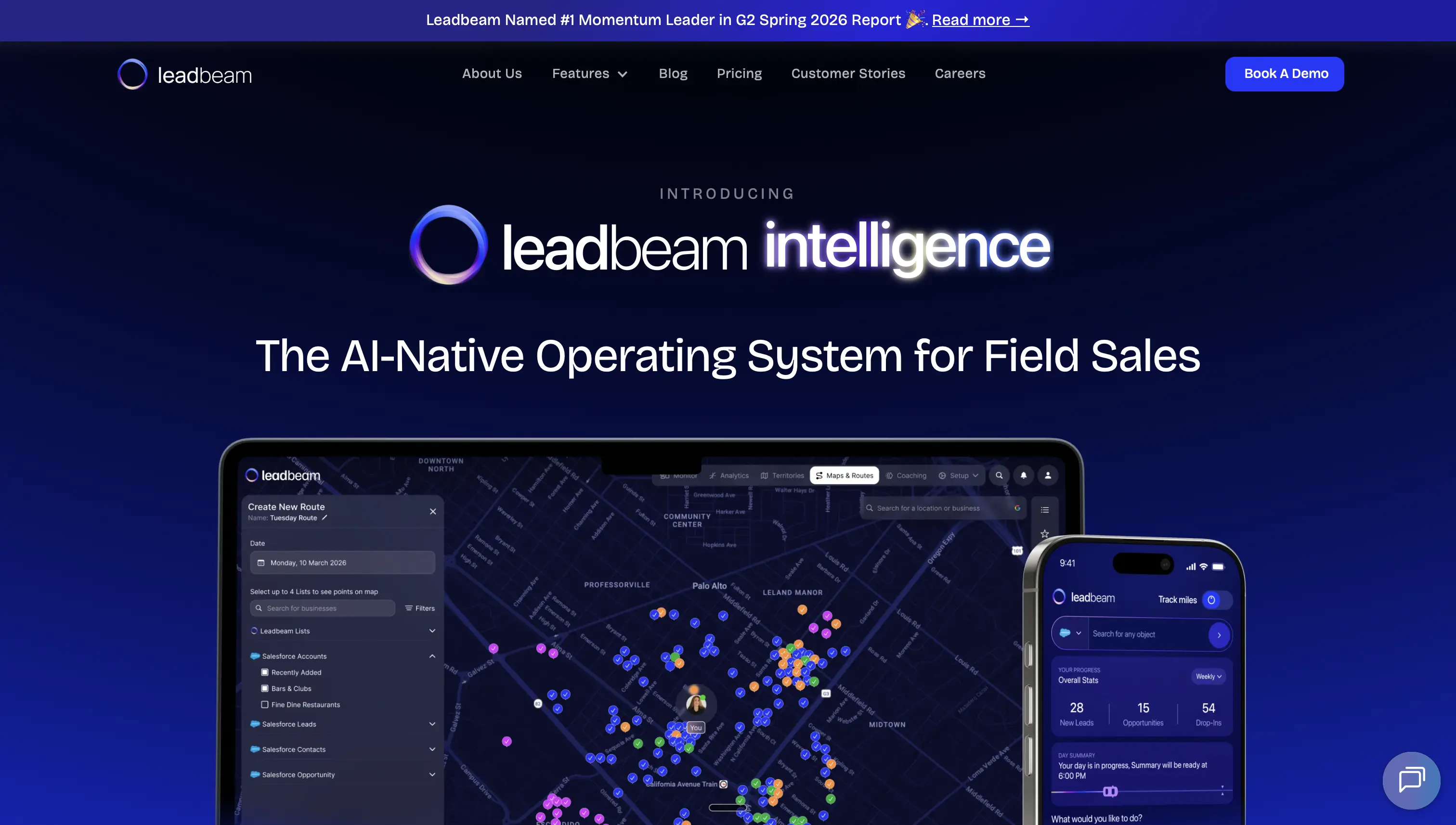
Leadbeam isn’t just another app on the list; it represents a new category of field sales software. It was built from the ground up with AI at its core to automate the entire field sales lifecycle, making it far more than a simple mapping tool.
Where other apps help you manage the plan you create, Leadbeam’s AI helps you create the optimal plan and then automates the administrative work that follows. It focuses on maximizing high-value selling time by in prospecting and prioritizing, multi-stop route optimization, meeting prep, follow-ups, and post-meeting data capture.
Its unique strength lies in using Voice, Image, and Location AI to automatically log every detail, ensuring your CRM is always rich with accurate, real-time field intelligence. This firehose of clean data gives management unprecedented visibility to make smarter decisions and scale the team. Leadbeam also offers enterprise-grade security (SOC 2 Type II, ISO/IEC 27001:2022, GDPR) to keep sensitive sales data protected.
Key Features:
Best for: Sales teams of all sizes who want to eliminate administrative work, maximize selling time, and build a scalable sales process based on clean, actionable data.
Starting Price: $59/user/month (billed annually)
G2 Rating: 4.8/5 ( #1 Momentum Leader, #1 Ease of Use and #1 Enterprise Leader per G2 Spring 2026 report)

A long-time leader in the space, Badger Maps is praised for its robust route optimization. It excels at taking a long list of customers and turning it into the most efficient multi-stop route possible. It’s a powerful sales route planning app that saves reps significant time on the road.
While it’s fantastic for pure routing, its focus is narrower than an AI-native platform. The data capture and lead generation components are less automated, requiring more manual input from the user.
Key Features:
Best for: Reps and teams whose primary pain point is drive time and who need a best-in-class tool specifically for route planning.
Starting Price: $58/user/month (billed annually) or $69/user/month (billed monthly)
G2 Rating: 4.7/5

For teams deeply embedded in the Salesforce ecosystem, Salesforce Maps is a powerful, native solution. It brings your CRM data to life on a map, allowing for sophisticated territory planning, lead visualization, and route creation directly within Salesforce.
The biggest strength—its native integration—can also be a limitation. It’s a premium product with a steep learning curve and is often overkill for many teams, especially if they’re not using Salesforce as their primary CRM.
Key Features:
Best for: Enterprise-level sales organizations that run entirely on Salesforce and need powerful, integrated mapping capabilities.
Starting Price: $75/user/month (billed annually)
G2 Rating: 4.3/5

SPOTIO is a leading field sales engagement platform, particularly strong for industries with door-to-door or high-volume canvassing sales models, like solar, home security, or pest control. It excels at territory management, lead tracking, and performance analytics for these specific workflows.
Key Features:
Best for: B2C and D2D sales teams that need to manage territories, track rep activity, and drive high-volume prospecting.
Starting Price: Contact Sales
G2 Rating: 4.5/5

SalesRabbit is purpose-built for canvassing and field team management. It includes rep tracking, lead assignment, and territory mapping, making it particularly useful for high-volume prospecting teams.
Key Features:
Best for: Teams focused on canvassing and high-volume prospecting.
Starting Price: $59/user/month
G2 Rating: 4.5/5

Repsly is designed for field teams in the retail and CPG space. Its focus is less on prospecting and more on retail execution: checking shelf space, filling out in-store audits, and taking product photos. It provides managers with crucial data on in-store conditions and team compliance.
Key Features:
Best for: CPG brands, distributors, and retail merchandising teams that need to manage in-store execution and data collection.
Starting Price: Contact sales
G2 Rating: 4.3/5
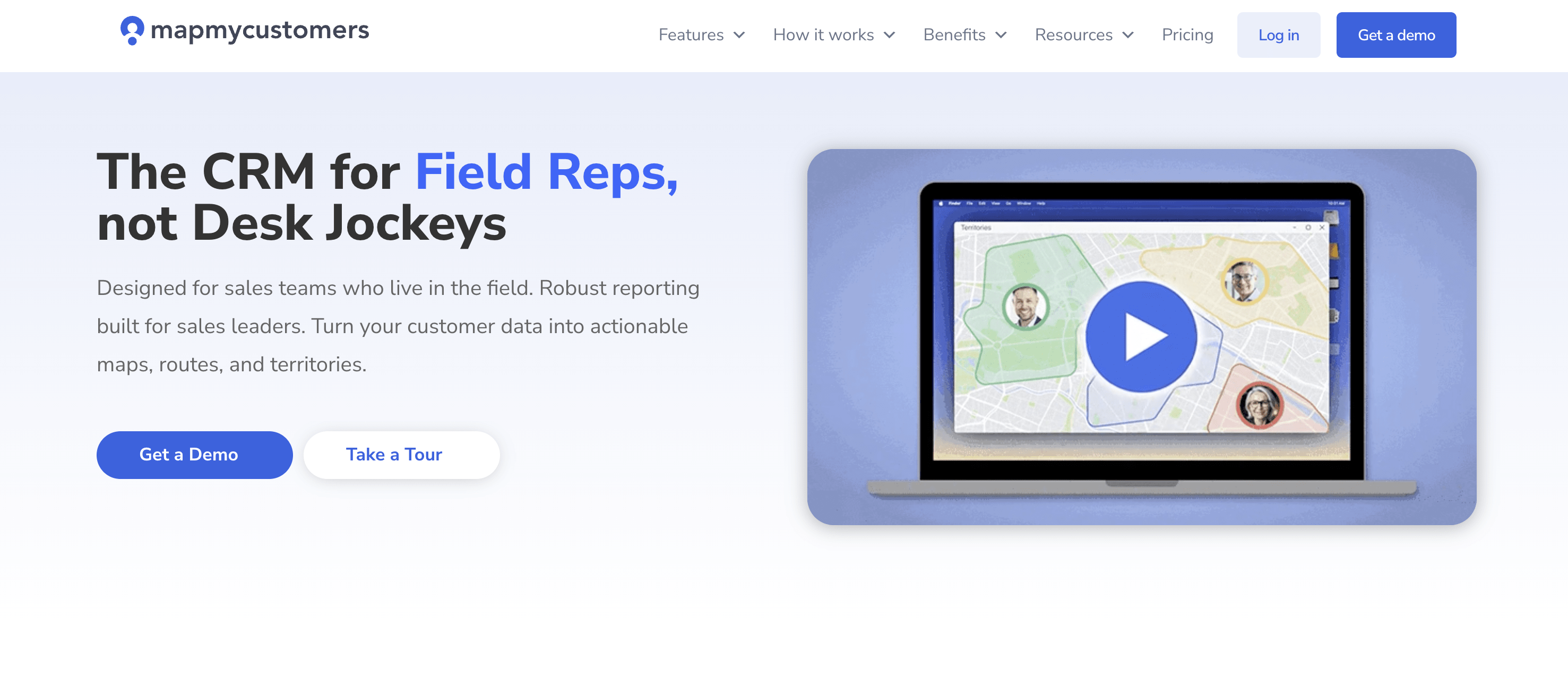
Map My Customers bridges the gap between a pure route planner and a lightweight CRM. It helps reps visualize their customer data on a map, create optimized routes, and group customers with smart filters (e.g., by activity or custom fields).
Key Features:
Best for: Individual reps or small teams looking for a visual, map-based way to organize their customer data and plan their days.
Starting Price: $55/user/month (billed annually) or $65/user/month (billed monthly)
G2 Rating: 4.5/5

Outfield is a field sales CRM and team management platform built for outside sales teams. It helps companies plan routes, manage territories, and track activities while motivating reps through gamification.
While it covers the basics of route planning and CRM tracking, Outfield lacks AI-powered lead generation, automated CRM updates, or enterprise-grade security certifications.
Key Features:
Best for: Field teams that want lightweight CRM and territory management without complex setup.
Starting Price: Contact Sales
G2 Rating: 4.2/5
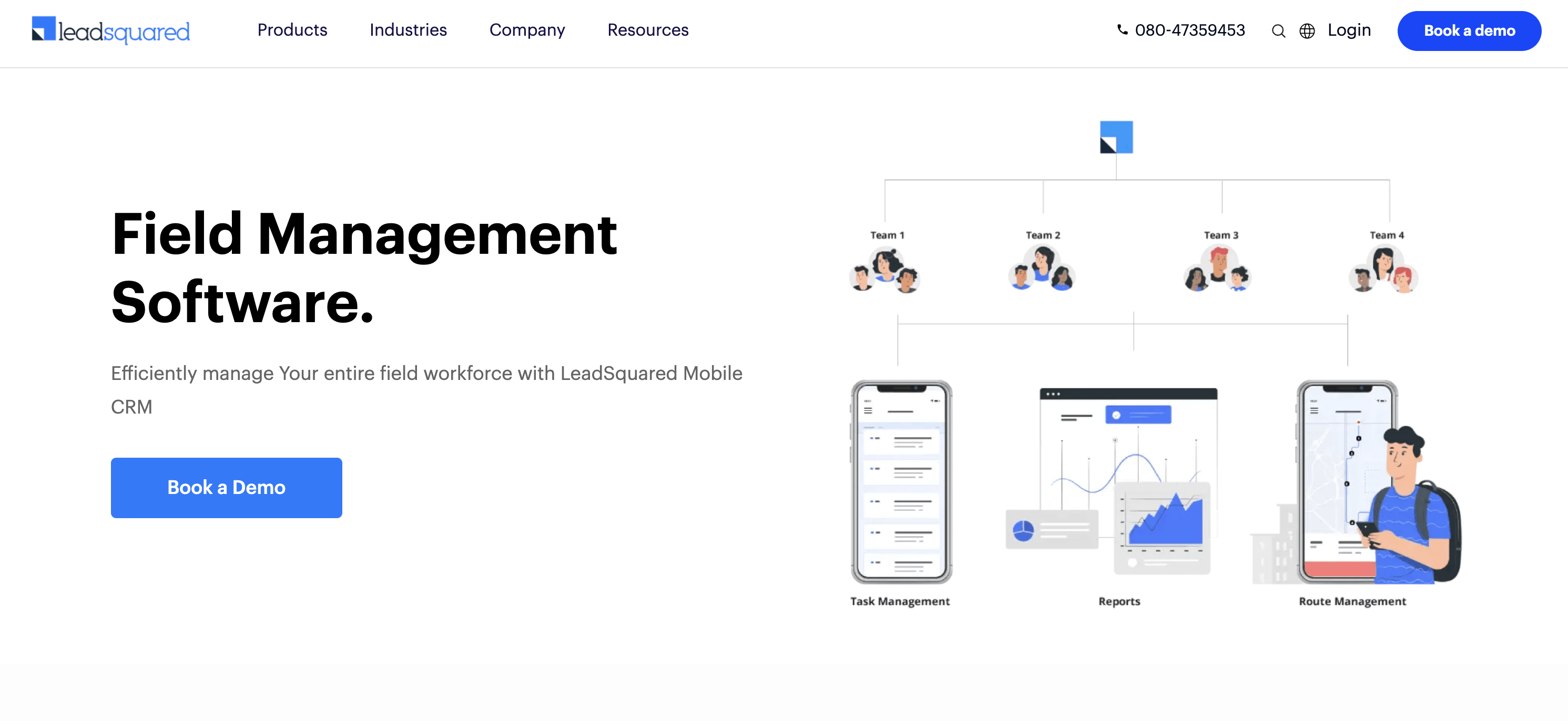
LeadSquared is a field sales execution and CRM platform designed to help businesses manage on-ground teams efficiently. Its LeadSquared Mobile app supports real-time check-ins, routing, and lead management for field reps, while managers can monitor activity and performance through detailed dashboards.
While it’s a reliable option for digitizing field operations, its automation depends heavily on predefined workflows and manual inputs. It lacks the AI-driven contextual insights, hands-free CRM updates, and predictive intelligence that next-generation platforms now deliver.
Key Features:
Best for: B2C and B2B teams needing complete lead-to-sale visibility across distributed field operations.
Starting Price: $60/user/month
G2 Rating: 4.5/5

Skynamo is a field sales app popular with B2B companies that sell to retail outlets. It emphasizes order management, customer visit tracking, and mobile-first usability with offline functionality.
Key Features:
Best for: B2B sales teams managing customer visits, orders, and territory coverage.
Starting Price: $39/user/month
G2 Rating: 4.6/5
* Salesforce Maps inherits Salesforce’s enterprise security/compliance.
The primary benefit is time reclamation. By automating routing, data entry, and other administrative tasks, these apps give sales reps several hours per week back to focus on high-value activities.
You can, but it’s highly inefficient. You’d be constantly switching between apps, manually entering addresses, and then manually logging notes back in the CRM. A dedicated app integrates these functions seamlessly, optimizing your route automatically and syncing data in real-time.
AI transforms these apps from reactive tools into proactive assistants. Instead of just mapping the leads you give it, an AI-powered app can discover new high-potential leads for you. Instead of you typing notes, it can capture them with your voice. This automation reduces the non-selling workload dramatically.
The modern field sales landscape is too competitive to be weighed down by outdated methods. The real productivity killer isn’t just drive time—it’s the manual CRM updates, follow-ups, and meeting prep that drain reps every day.
Most apps focus on one piece of the puzzle, like routing or territory management. Leadbeam is different. It automates the entire workflow, from lead generation to follow-ups, while ensuring enterprise-grade security for sensitive data. That means reps spend more time selling, managers get clean visibility, and teams scale faster.
Ready to see how much time AI can give back to your team? Book a personalized demo with Leadbeam.


Leadbeam Blog
Discover tips, strategies, and success stories to empower your field sales team and drive results.